
ShopKind for a Cause: One Extension, Many Causes
ShopKind for a Cause is a free browser extension that turns everyday online shopping into support for local causes, no extra cost, no extra effort.
Read more
Operator Insights
A practical breakdown of the gear, adapters, and accessories I use to make a Meta Quest 3 work as a portable gaming display setup for consoles.

I like gear that solves a real problem, not just gear that looks cool on a list. This setup is about using a Meta Quest 3 as a practical display for gaming consoles when you want something compact, flexible, and a little ridiculous in the best way.
I've tried both the Quest 3 and the Quest 3s. I prefer the 3 for it's higher resolution, however the Quest 3s is totally acceptable for the price range.
If you want a clean portable gaming station, or you just want to experiment with using your headset as a private display, this is the kind of setup that makes sense. It is very on-brand for IJT too, because it is really a systems problem: get the right pieces, remove friction, and the whole thing works better.

To connect HDMI to your Quest USB-C using the Meta Quest HDMI Link App.

So you're not chained 3 inches from your Hagibis Capture Card.

To get the signal from the Hagibis Capture Card to show on your Quest. (Max res. 1080p)
Pros
Watch outs
I would recommend this most to people who already own a Quest 3, like experimenting with tech, and want a flexible gaming setup that does more than one thing. If somebody wants the simplest possible console experience, a normal display is still the easier answer. But if they want a smart workaround that feels a little futuristic, this is a fun one.

Works great with the Meta Quest 3 and the Nintendo Switch.

Works great with the original Nintendo Switch and the Hagibis Capture Card.

Works great with the 8BitDo Pro 2

Works great with the Hagibis Capture Card.

Compatible with Meta Quest 3S for Quest 3 Controller Grips Cover. A must have for Beat Saber or the free Moon Rider

For the Quest Controllers. Don't forget Back-up batteries

You gotta protect your Meta Quest 3 or 3s while traveling.

I mean you got to have that fan!

What's the point of hot swap if you don't have a spare? Remember, two is one, one is none.

It'd be nice to drop a battery in a dock magnetically and not have to take off the headset.
Affiliate disclosure: As an Amazon Associate, IJT may earn from qualifying purchases. That does not change the price you pay.
ShopKind for a Cause is a free browser extension that turns everyday online shopping into support for local causes, no extra cost, no extra effort.
Read more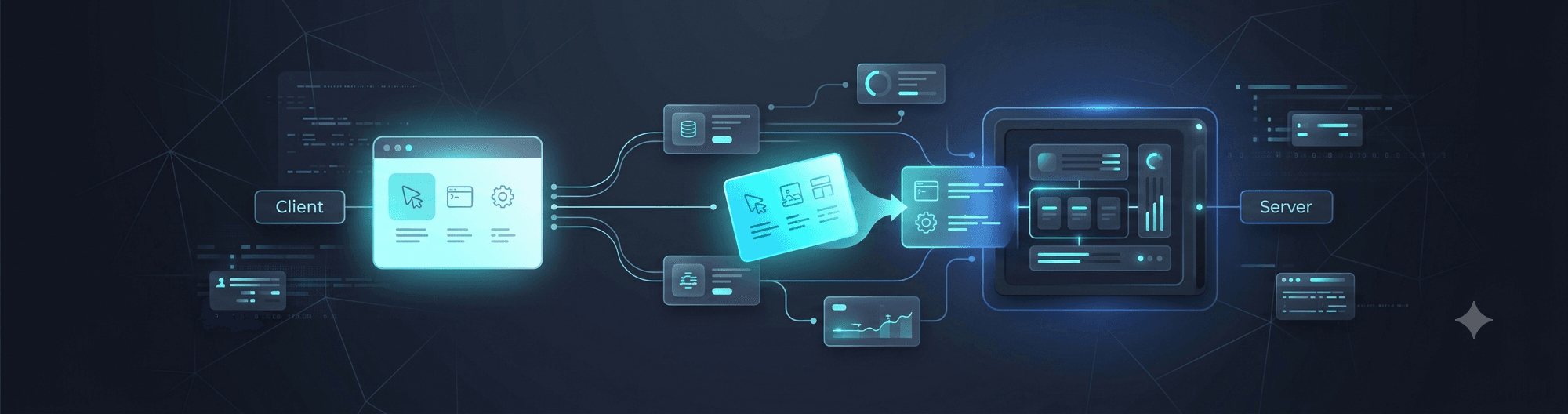
MCP vs API, explained without the jargon: how AI tools discover what they can do at runtime instead of relying on hardcoded developer logic, and why that matters for businesses adding AI to their workflows.
Read more